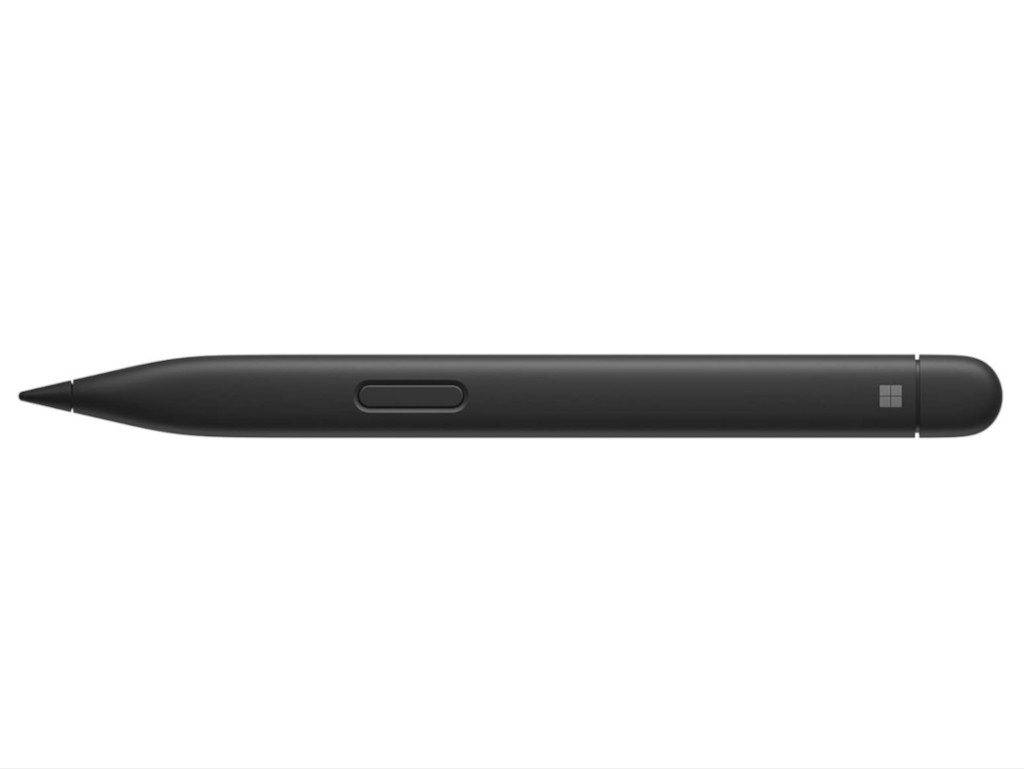
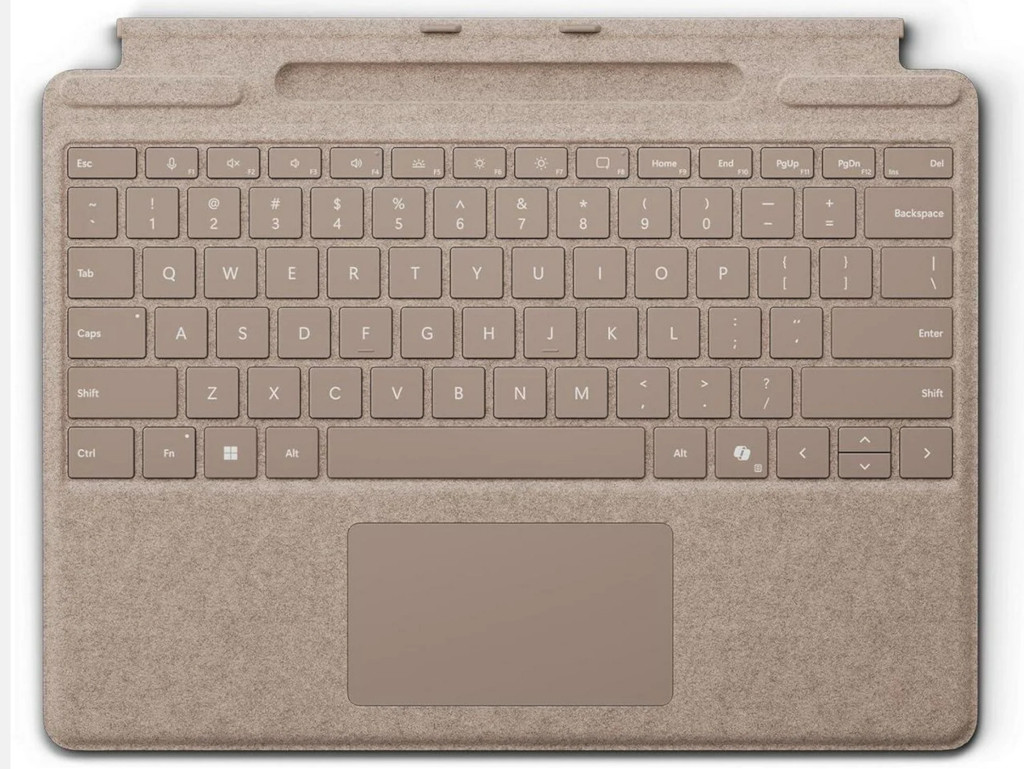
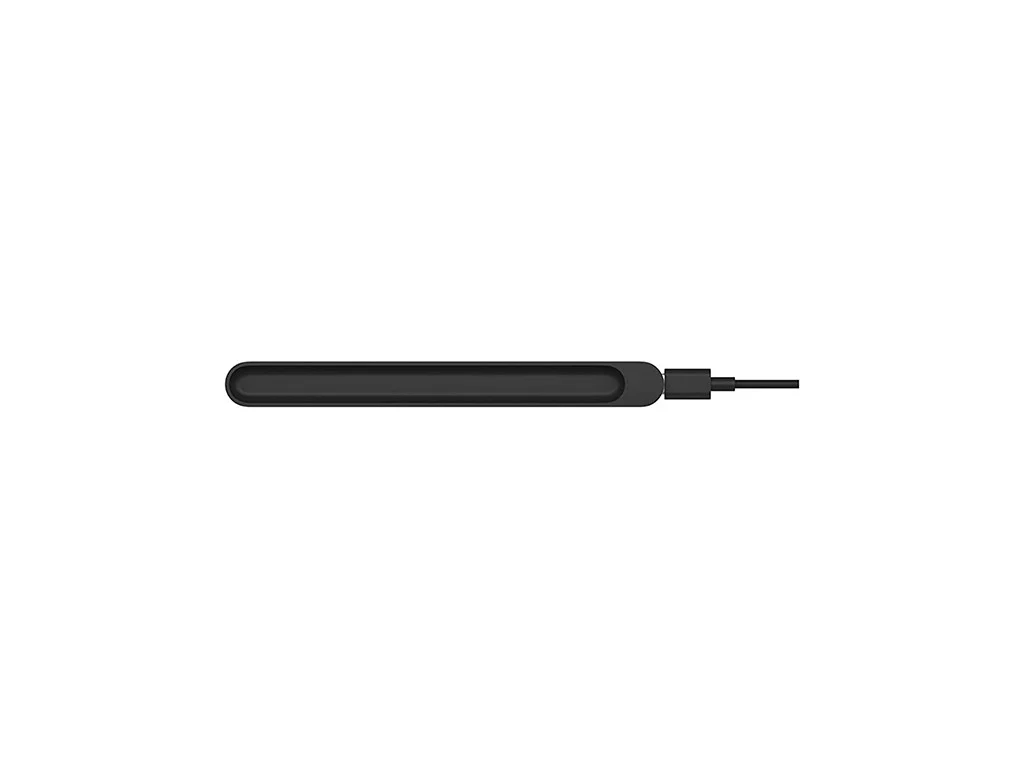
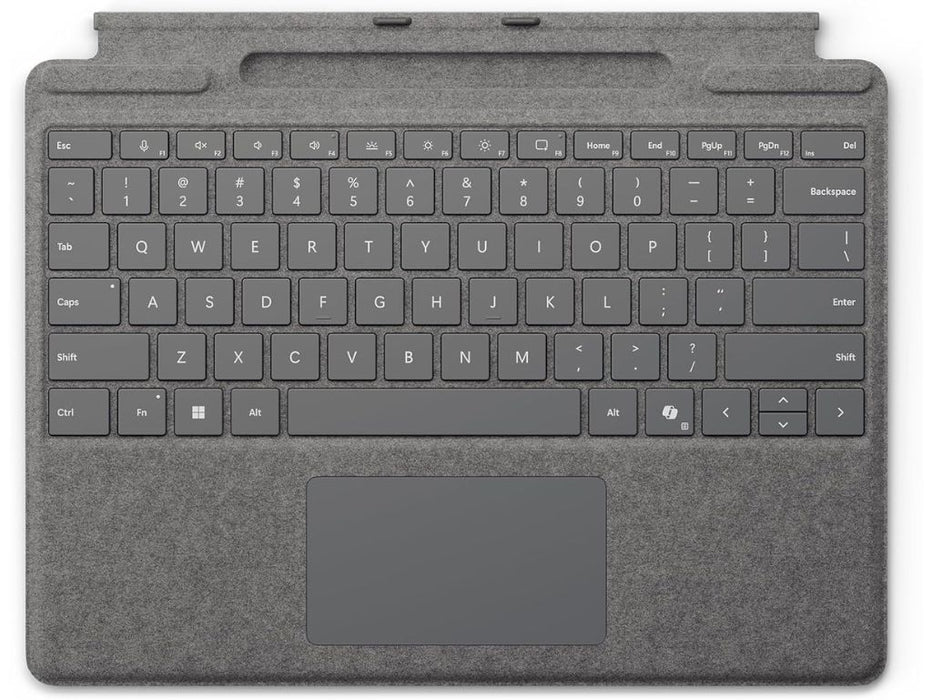
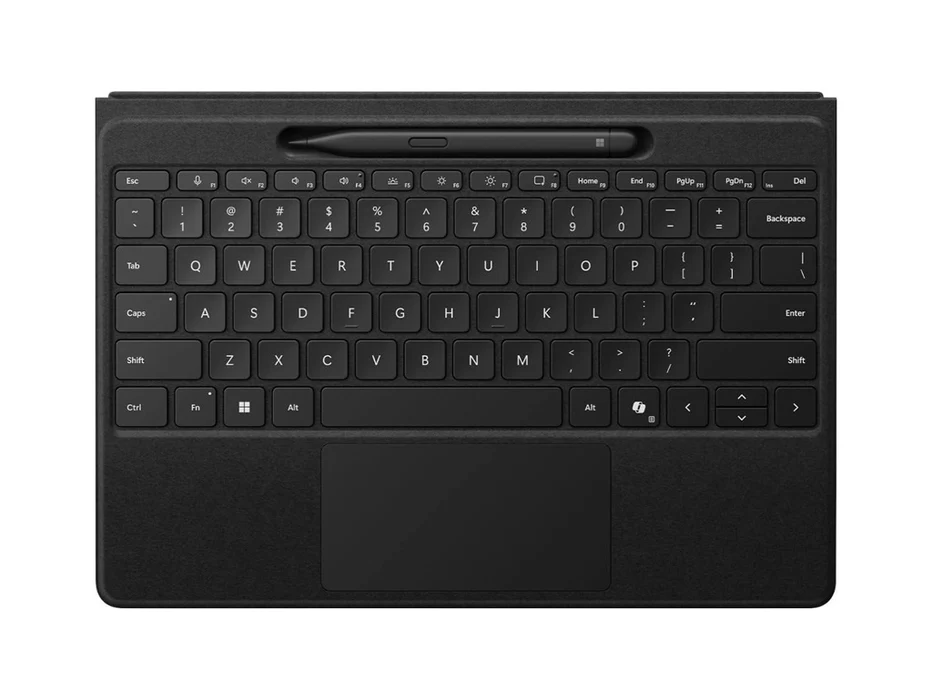
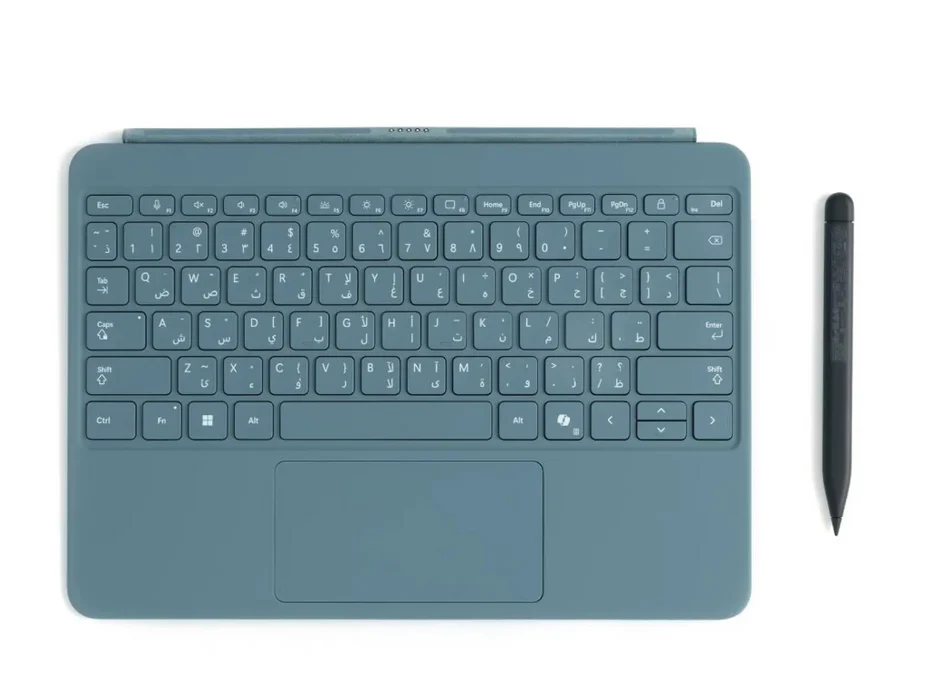
Microsoft Surface Slim Pen 2 (11th Edition)
A Premium Pen Experience for Surface
The Surface Slim Pen 2 is designed for people who prefer writing and drawing naturally—whether you’re
taking notes in meetings, sketching ideas, marking up documents, or signing files digitally. It offers smooth ink flow,
accurate control, and a refined feel that makes pen input faster and more enjoyable than typing for many tasks.
Compatibility
Works with the following devices:
- Surface Pro 9
- Surface Pro 8
- Surface Pro X
Write, Sketch, Create
- Note-taking: Handwrite notes, organize ideas, and highlight key points.
- Document markup: Annotate PDFs, review files, and sign documents quickly.
- Creative work: Draw, sketch, and edit with fine control in supported apps.
Designed for Everyday Productivity
From quick to-do lists to detailed diagrams, the Slim Pen 2 helps you capture thoughts instantly and work more naturally.
It’s a great fit for students, professionals, and creators who want a fast, clean pen workflow on a Surface device.
Ideal For
- Students who want digital handwriting and easy revision
- Professionals who annotate documents and take meeting notes
- Creators who prefer pen input for sketches and precise edits
Features and experience may vary by device model and the apps you use. Confirm compatibility with your Surface device before purchase.